
Connect · ChatGPT
ChatGPT, inside your company.
A connector in developer mode, signed in with your own Opelli login, and ChatGPT works in the same company your team works in. Actions that change something confirm each time.
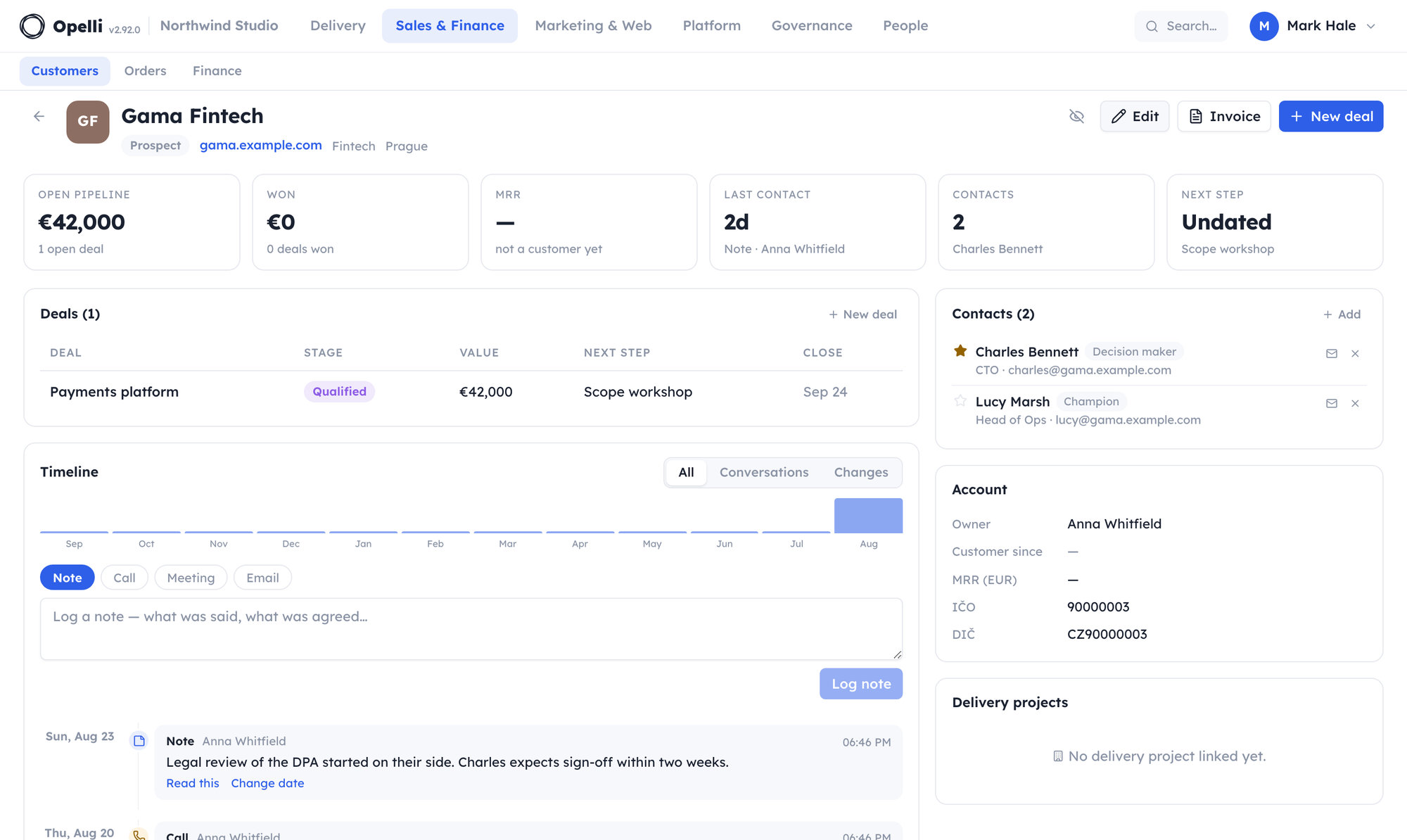
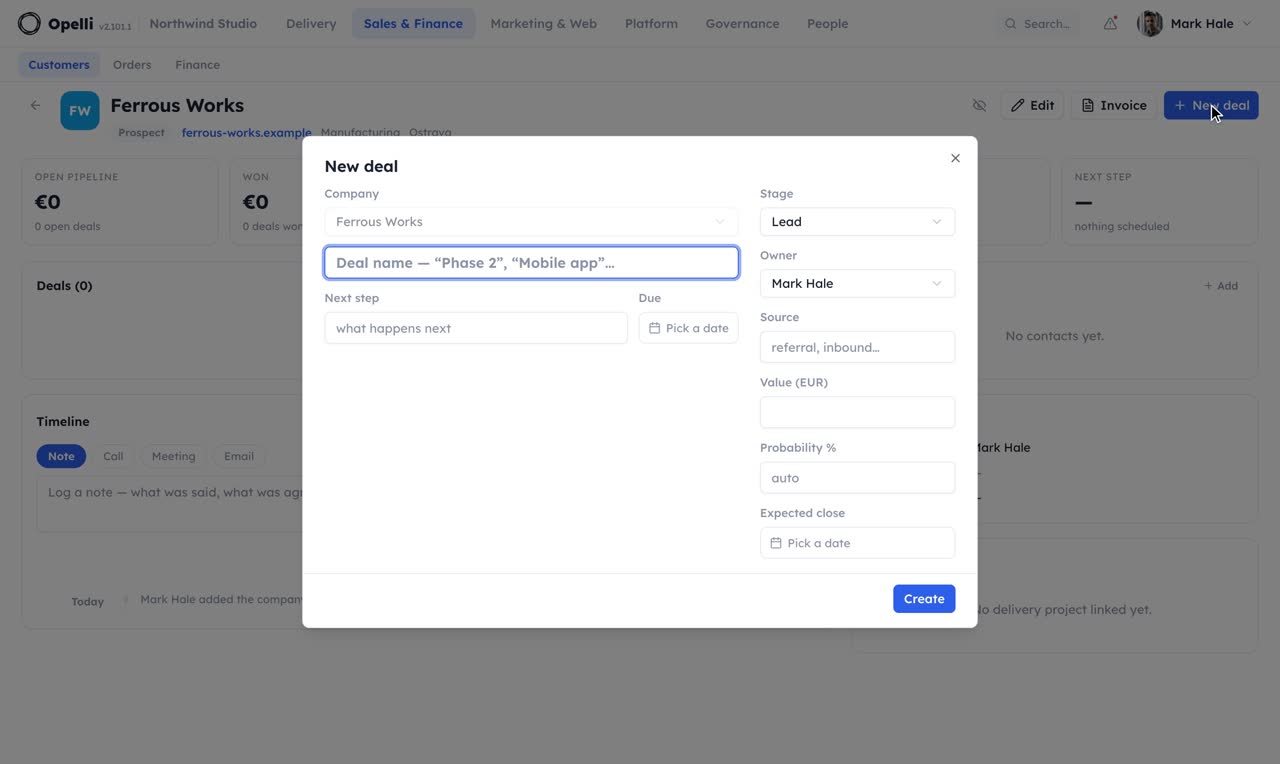
list_deals · stage=openThree: Bright Labs phase two (Mark), Ferrous Works pilot (Nina), Aurora phase two (you). Aurora's step was set yesterday; the other two have none.
create_crm_rule · no next step, 7 days → notify ownerUsed enroll_in_sequence · Ferrous Works · pilot follow-upRule active; it runs once a day and fires once per stall. The sequence's first step goes out on its next run, and it stops on its own if they reply.
log_company_activity · call · Bright LabsLogged on the timeline with today's date. Want me to set "Send revised figure, Thursday" as the deal's next step?
Six steps
The walkthrough, as it is in the product.
Settings → Personal → API keys → Connect an AI app. Its ChatGPT chapter is these steps, with the address prefilled.
In ChatGPT: Settings → Connectors → Advanced → Developer mode. It needs a Plus, Pro, Business, Enterprise or Edu plan.
Name it, paste your organisation's MCP address, choose OAuth.
With the organisation's own login. Opelli's consent screen lists the modules the connection may touch.
The connector appears under the tools menu of a conversation. Choose it and ask.
ChatGPT asks before every action that writes; reading needs no confirmation.
Every call runs as you and lands in Opelli's activity log, the same as a click in the app.
- As you, or narrowerThe connection inherits your permissions and can be scoped to modules. A new module never widens an old consent.
- Revocable in one clickThe key behind the connection is listed under your API keys; revoke it and the connection stops.
- Nothing it should notGuests never reach CRM or Finance through an assistant either. A call outside the key's scope is refused by name.
See it on your own operations.
A short call on your projects and your month, with the assistant you already use connected to a copy of your company.
Thanks — we'll be in touch to find a time.