
Watch
Eighteen walkthroughs, one company.
Recorded on the real product, module by module, each about two minutes, with English captions. The tour cuts the first line of each into 74 seconds.
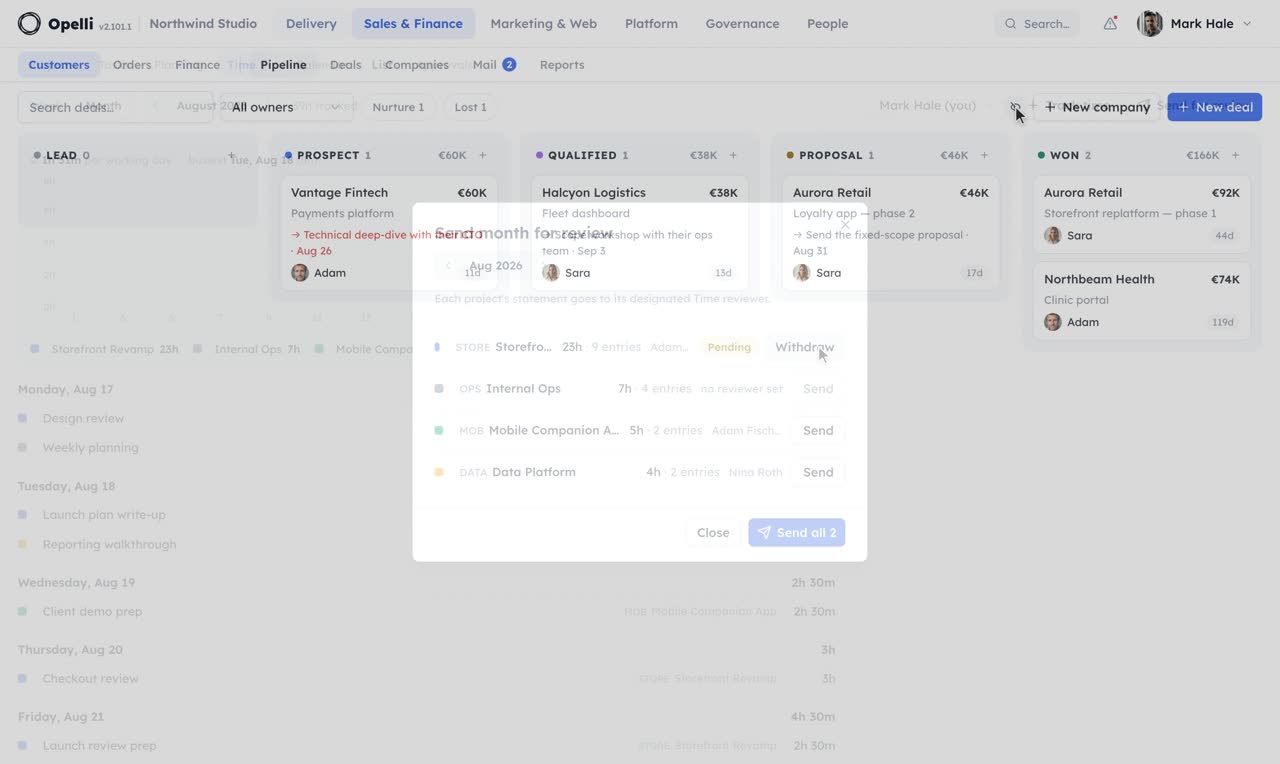
 1:38
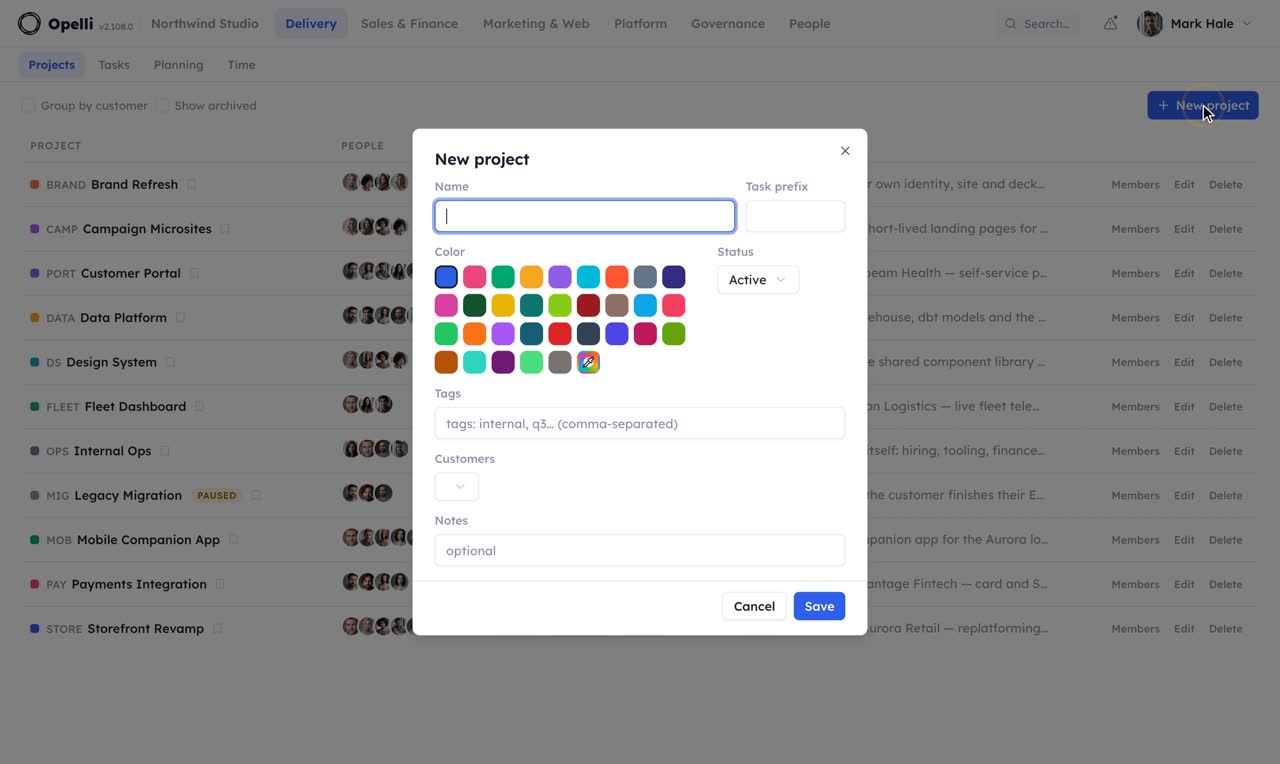
1:38ProjectsOne page per engagement: people, tasks and knowledge.
 2:05
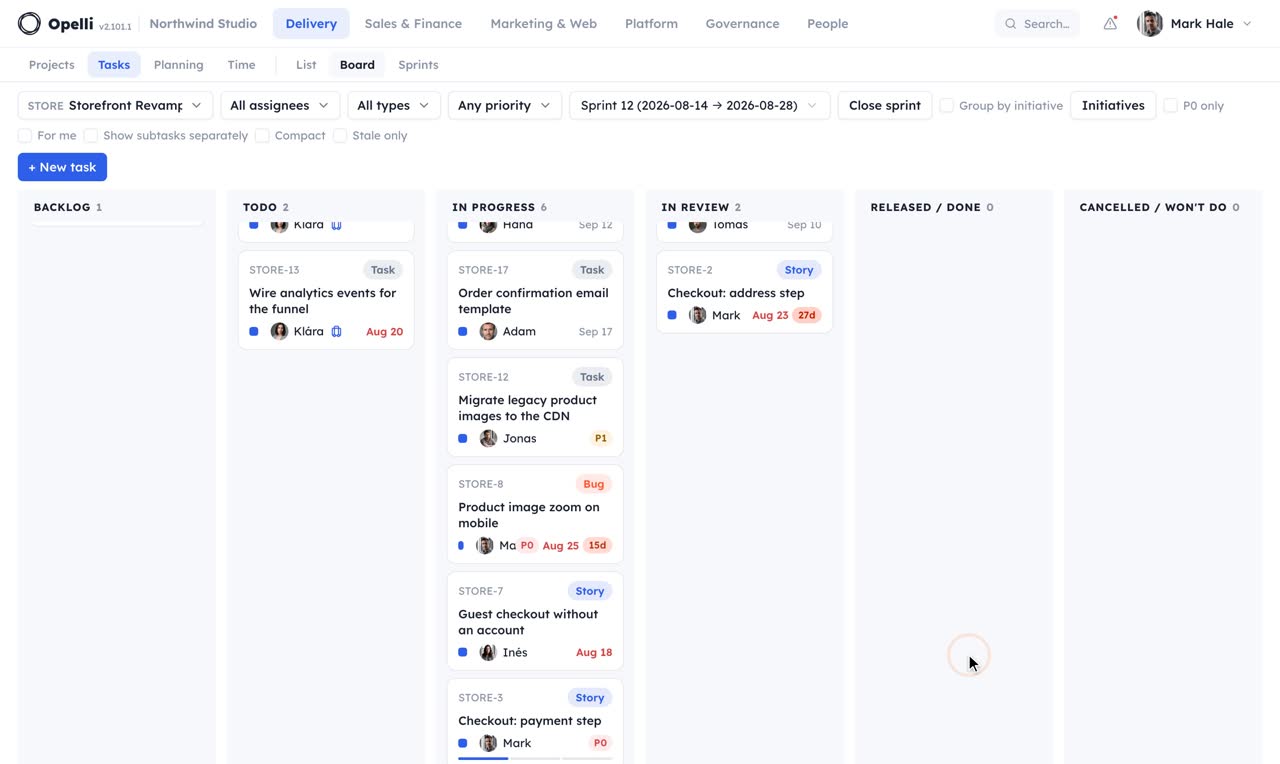
2:05TasksA board per sprint, a page per task, and the filters that keep the day in focus.
 2:31
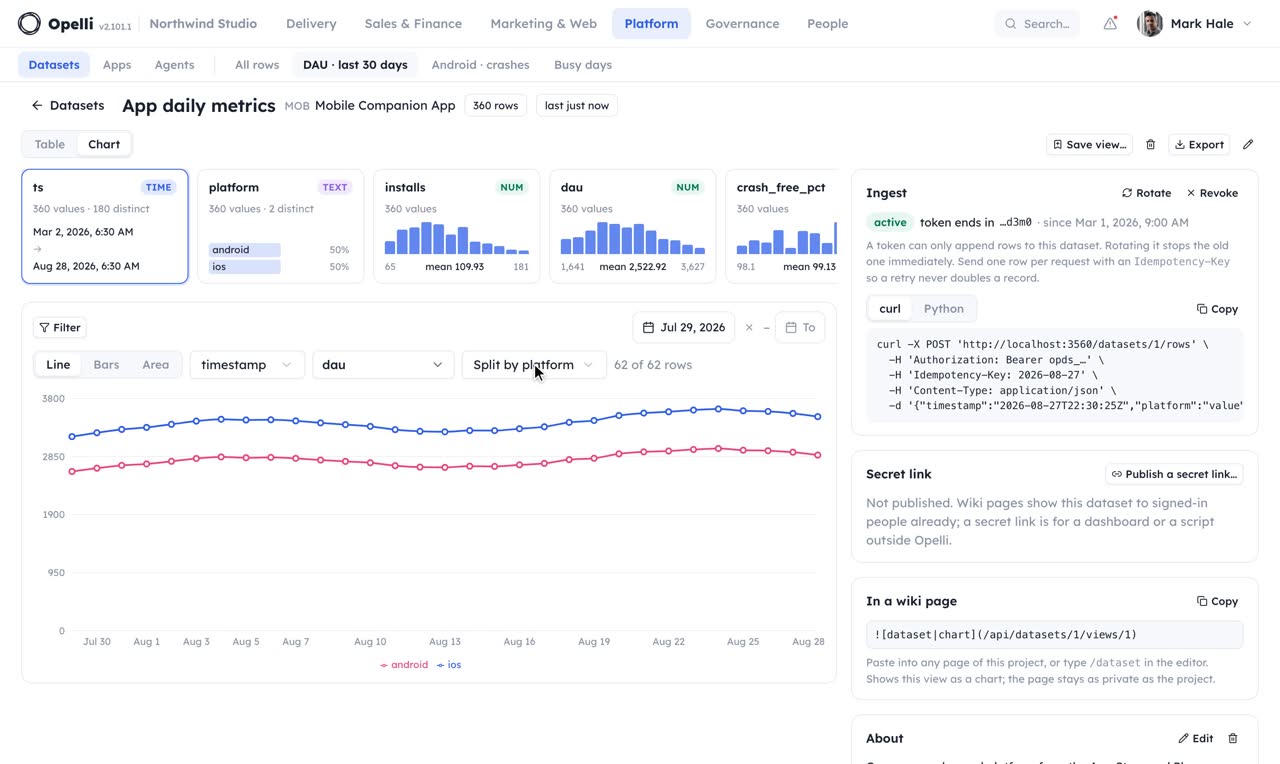
2:31DatasetsRows in, a profile and a chart out, and the wiki reading it back.
 2:50
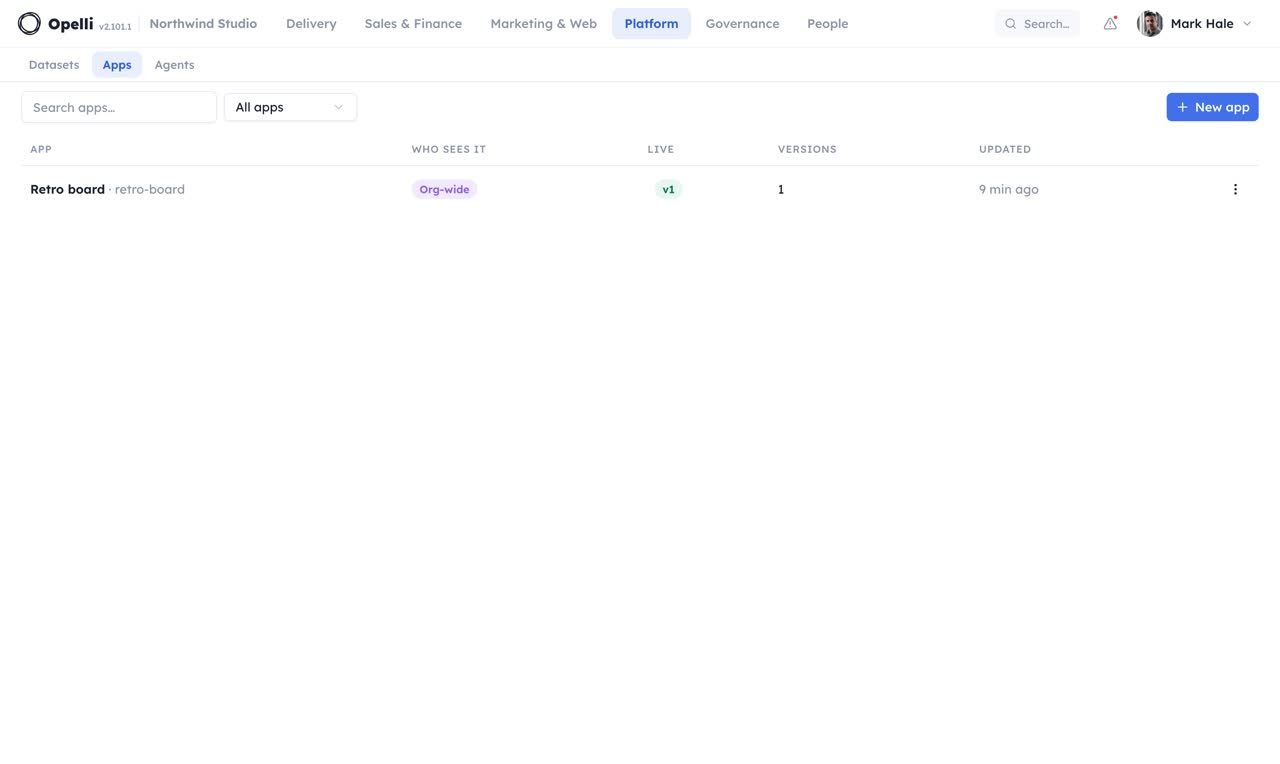
2:50AppsSmall tools built for your own people, served signed in, right inside Opelli.
 2:41
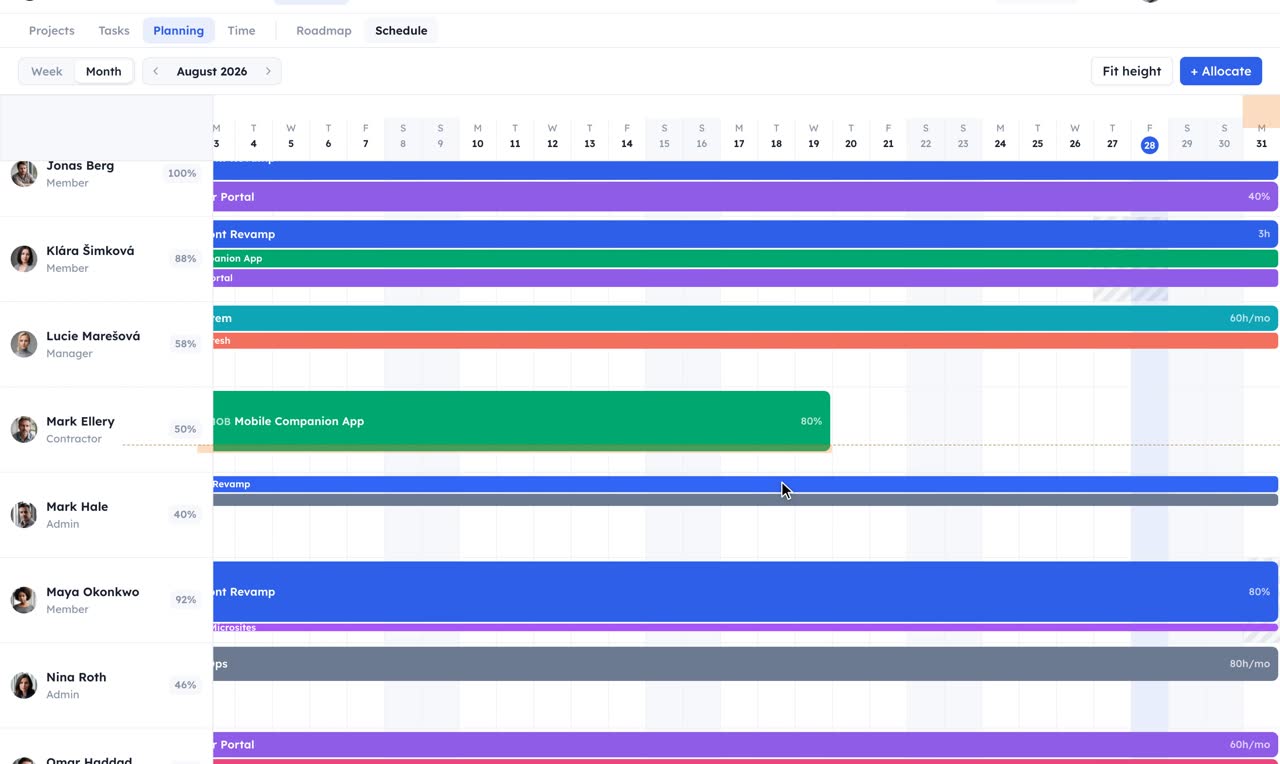
2:41PlanningPeople and their load on the schedule, deliverables and sprints on the roadmap.
 1:56
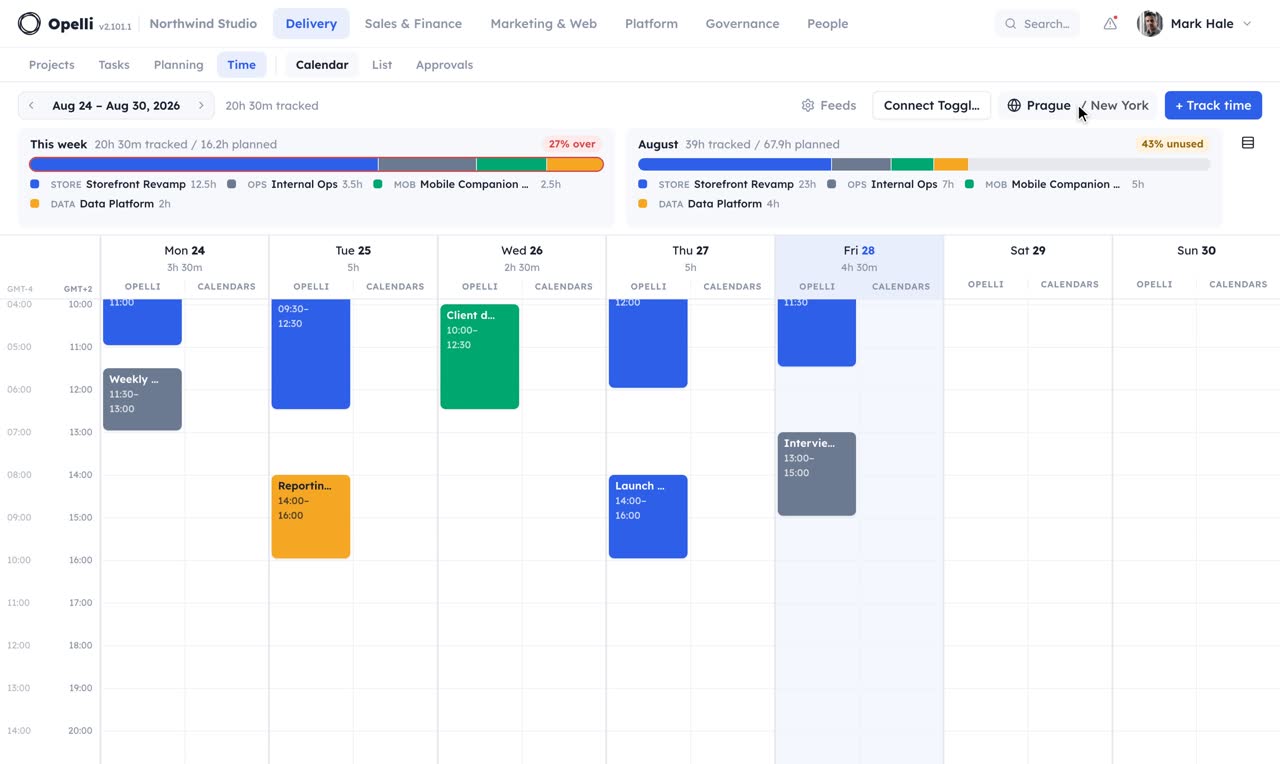
1:56TimeTrack on the grid, read the week or the month, sign the month off project by project.
 2:46
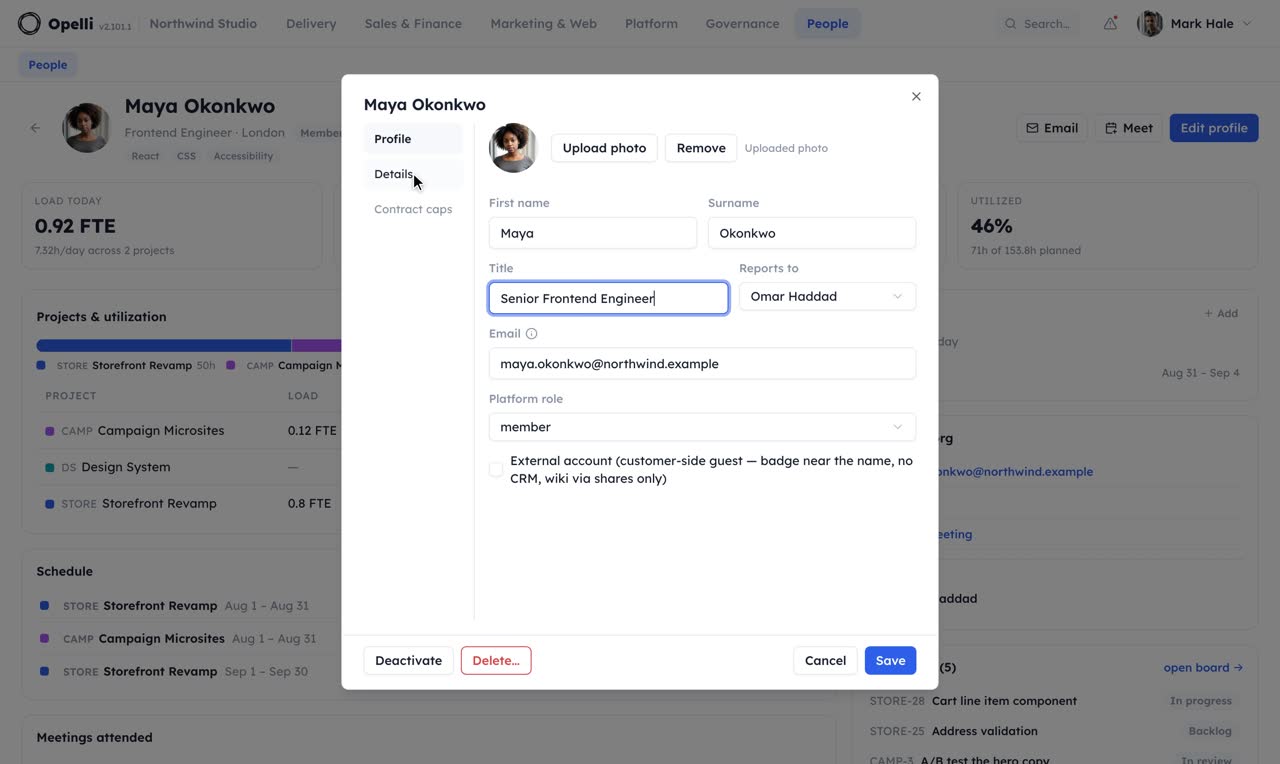
2:46PeopleThe team directory, with skills, projects, load and who is out.
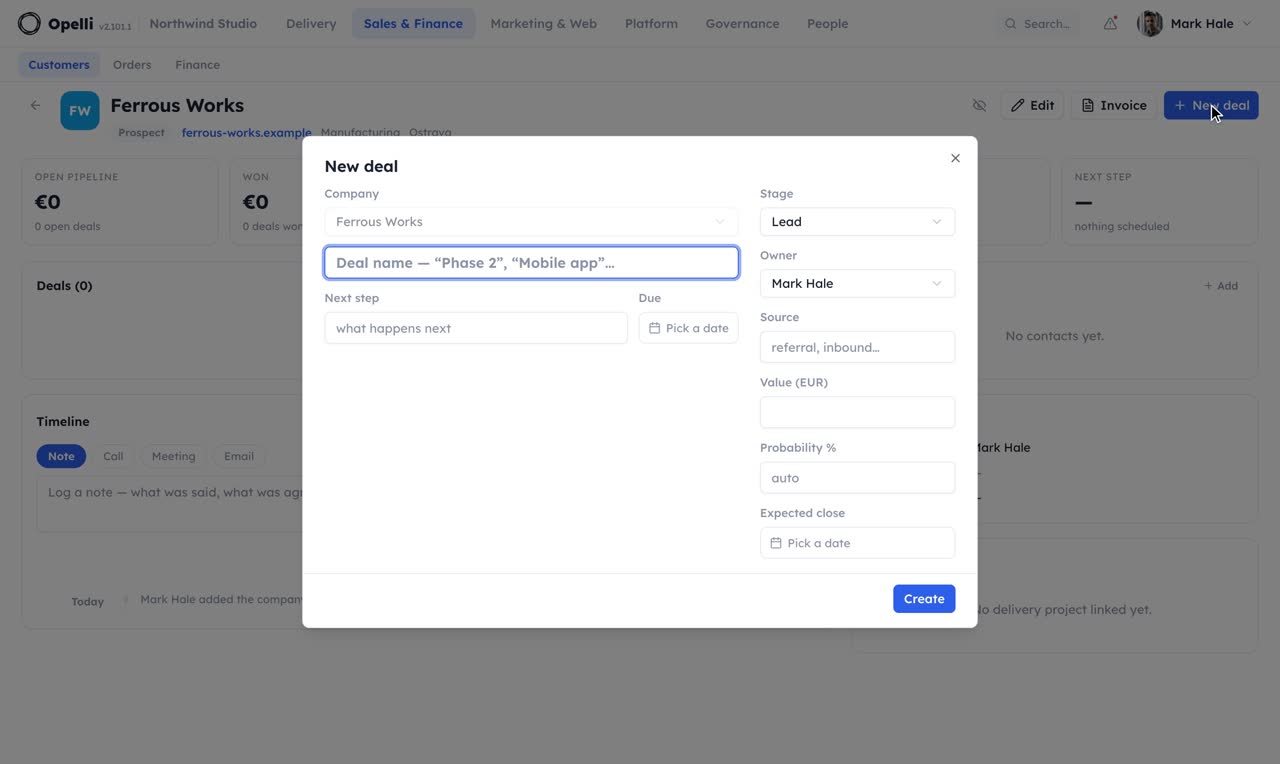 2:15
2:15CustomersA pipeline you can drag, an account page that remembers everything, and mail that files itself.
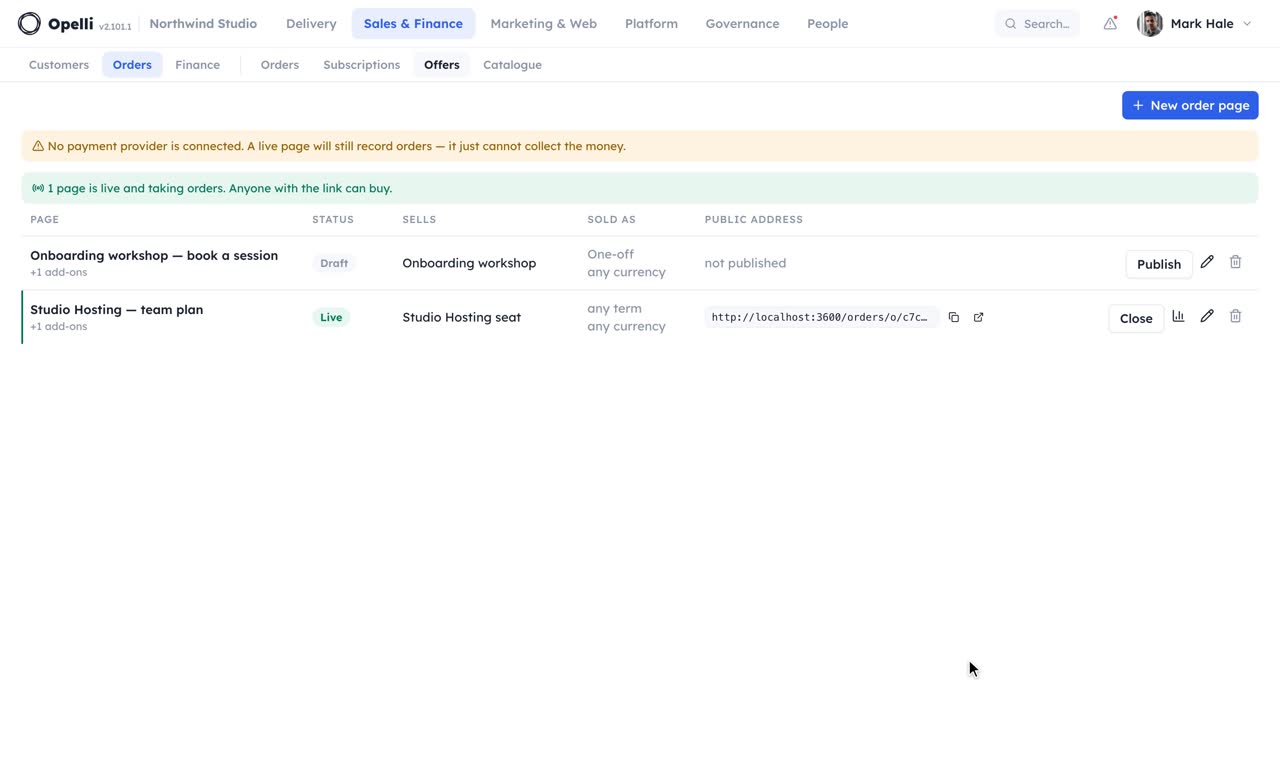 2:08
2:08OrdersA page per product, the book of who bought it, and the money that followed.
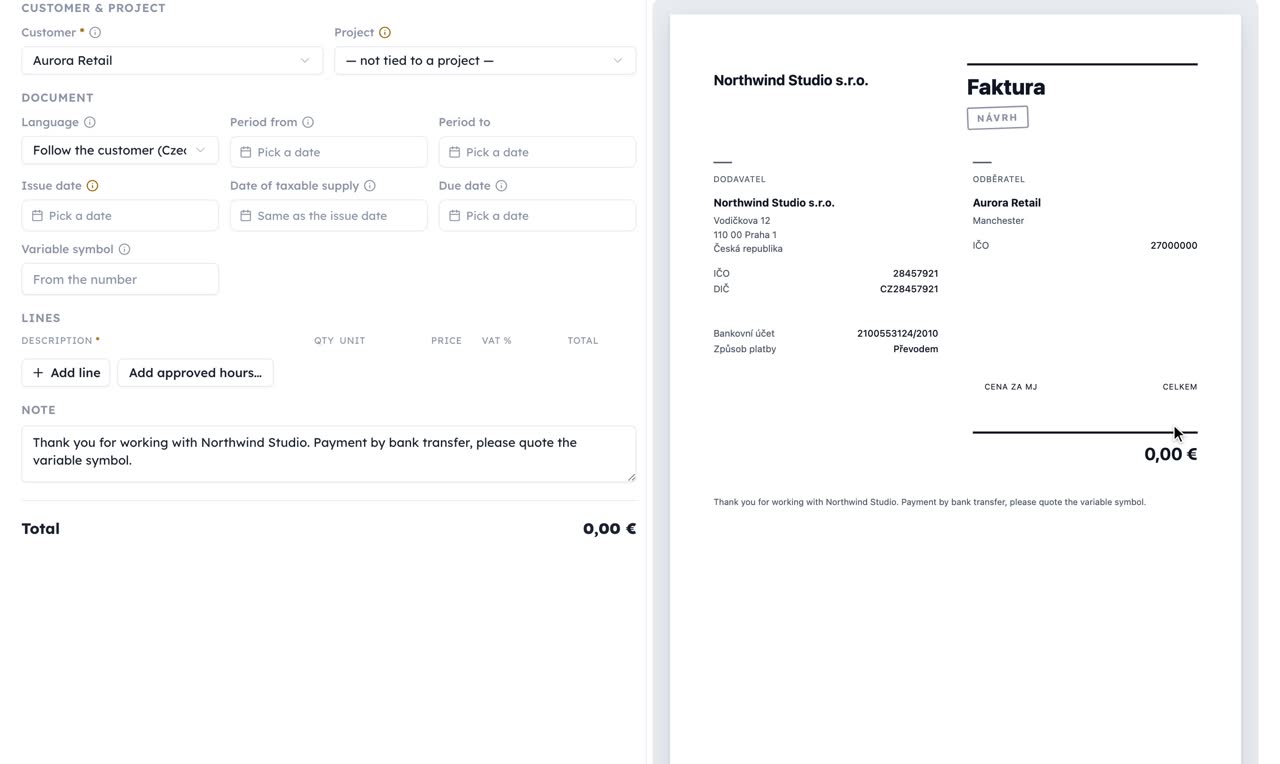 2:16
2:16FinanceRates, invoices from approved hours, and the profit per project.
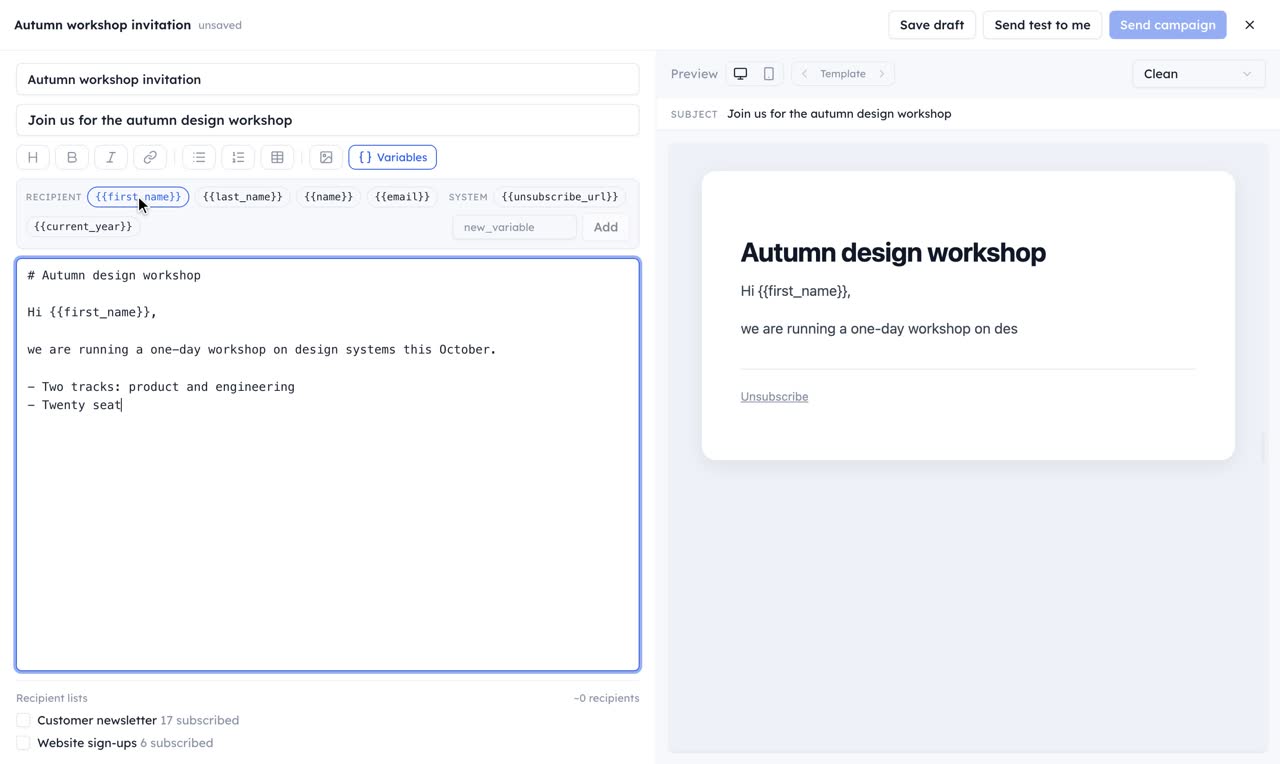 2:26
2:26MarketingLists, campaigns with a live merged preview, themes, posts and one shared voice.
 2:39
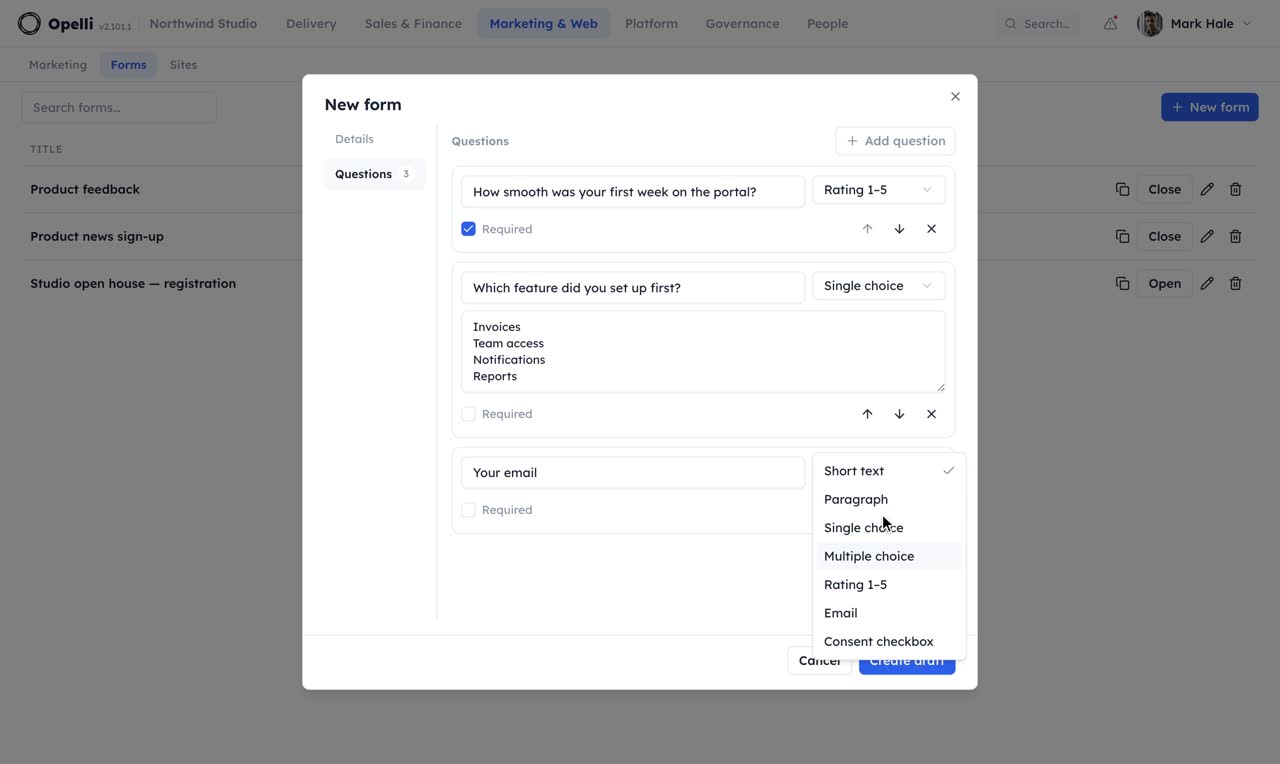
2:39FormsQuestionnaires, polls and sign-up pages the outside world answers.
 1:52
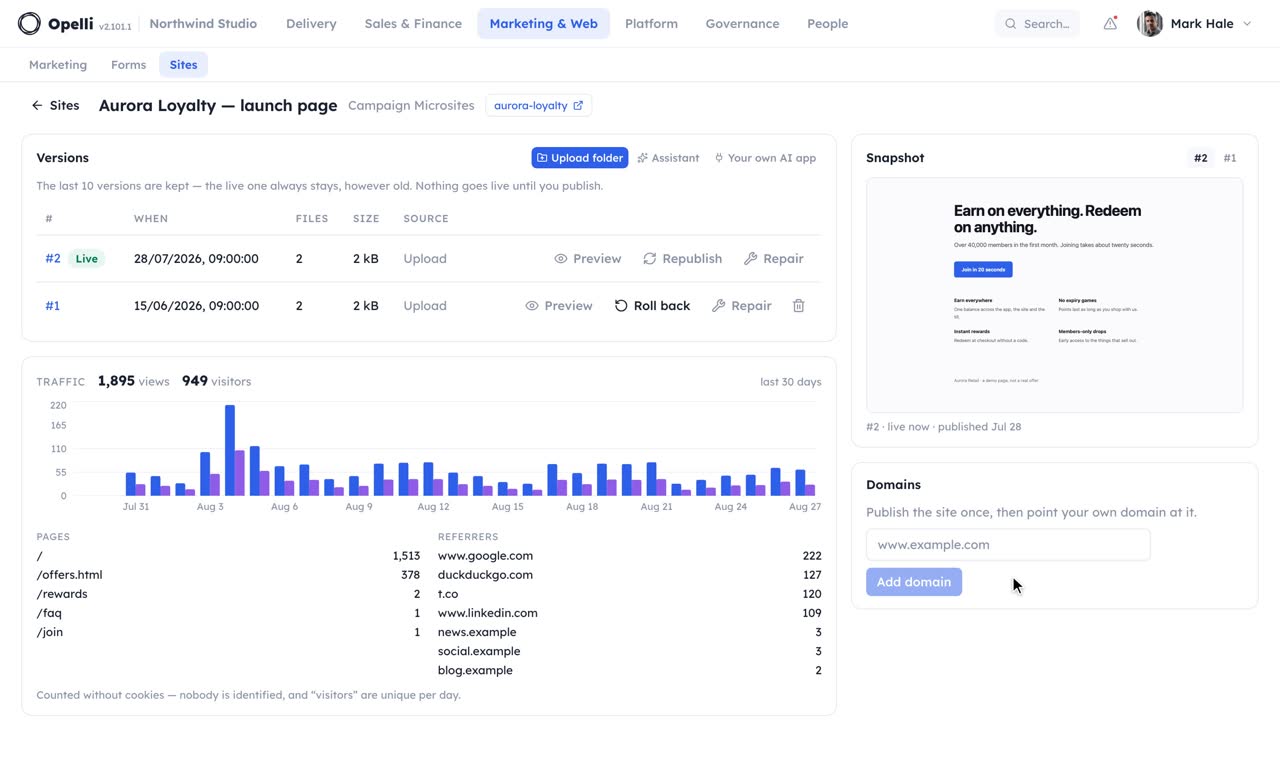
1:52SitesUpload a folder, review it, publish, point a domain at it, every version kept.
 2:10
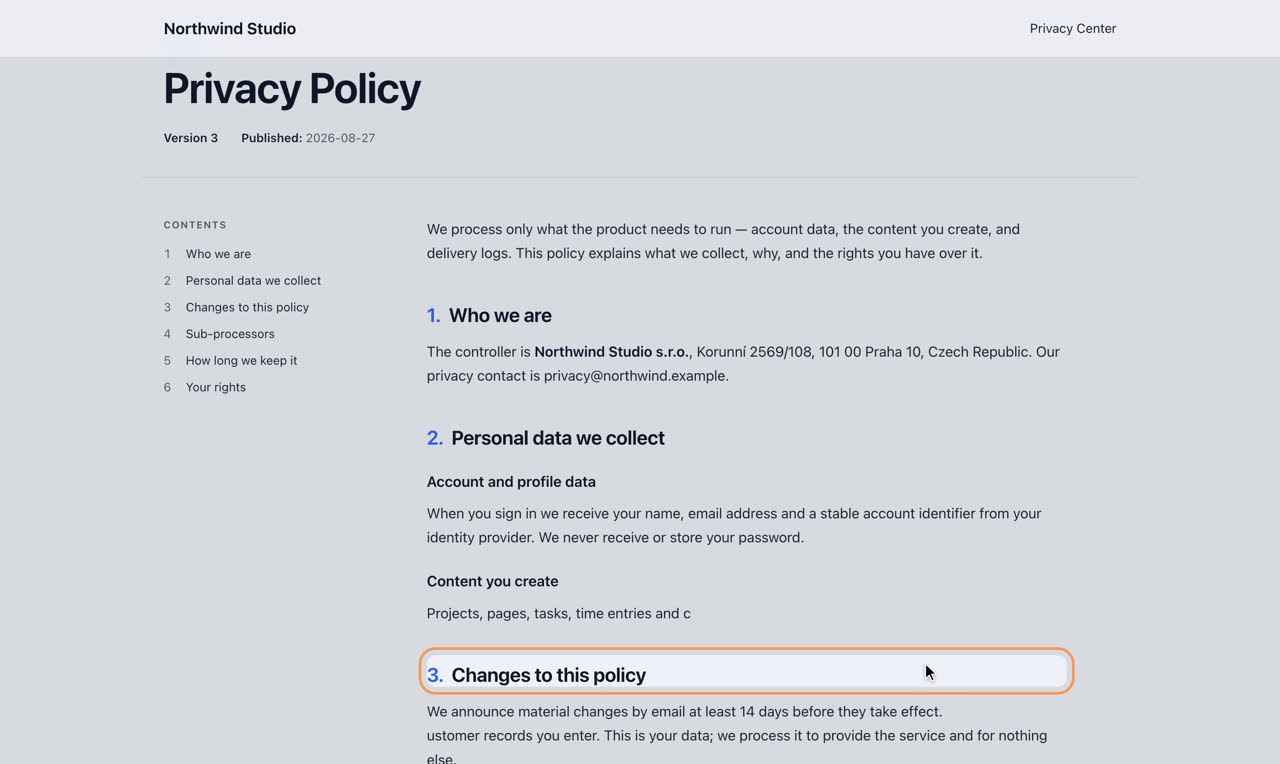
2:10ComplianceDocuments people can trust, consents you can prove, and requests answered on time.
 1:11
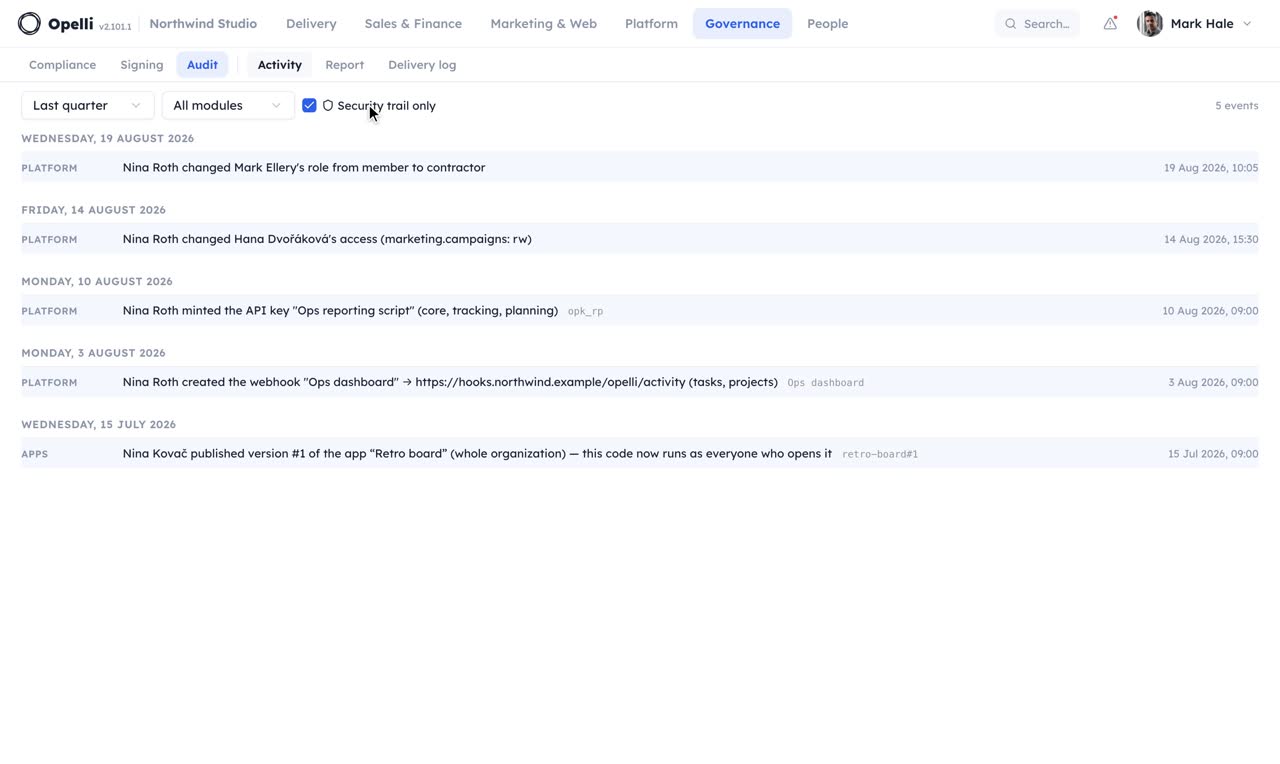
1:11AuditThe record of what happened, the report that tells it, and the log of what went out.
 1:43
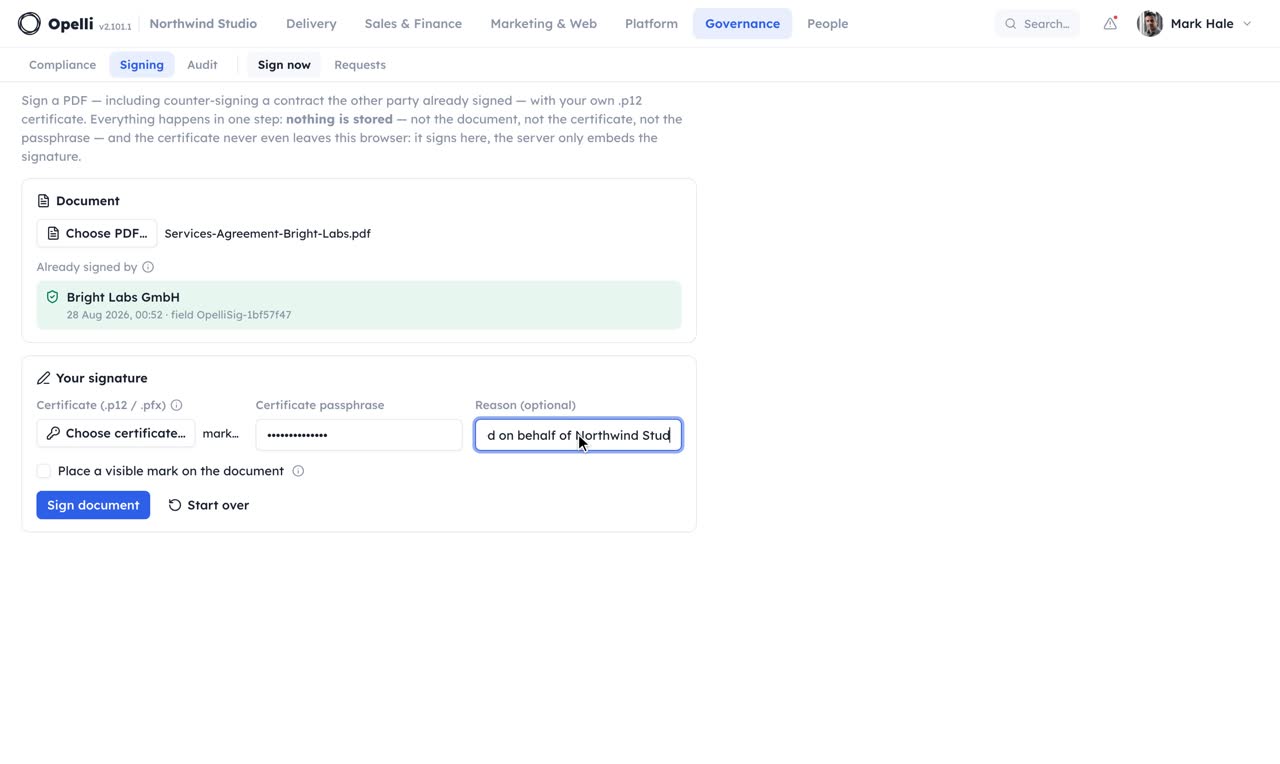
1:43SigningA digital signature on a PDF, in one step, with nothing stored.
 2:31
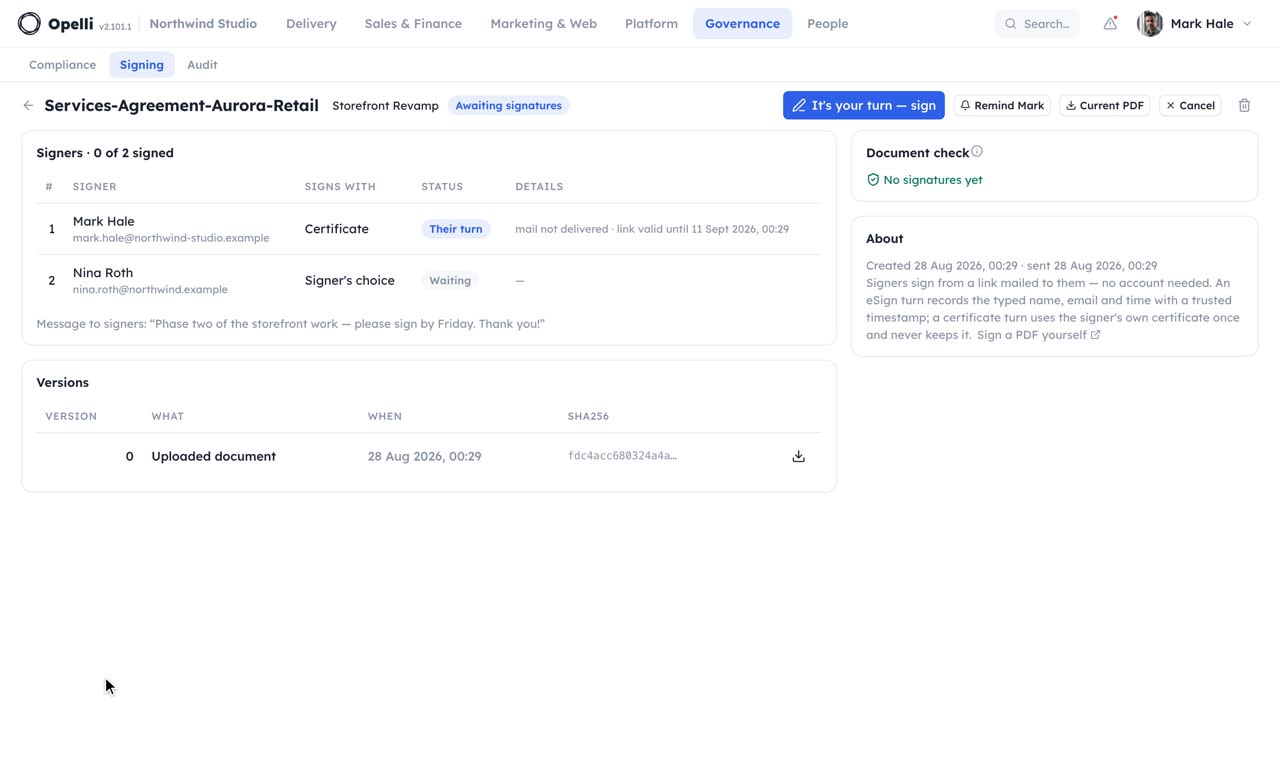
2:31Signing requestsA contract routed to the people who sign it, in order, no account needed on their side.
 1:37
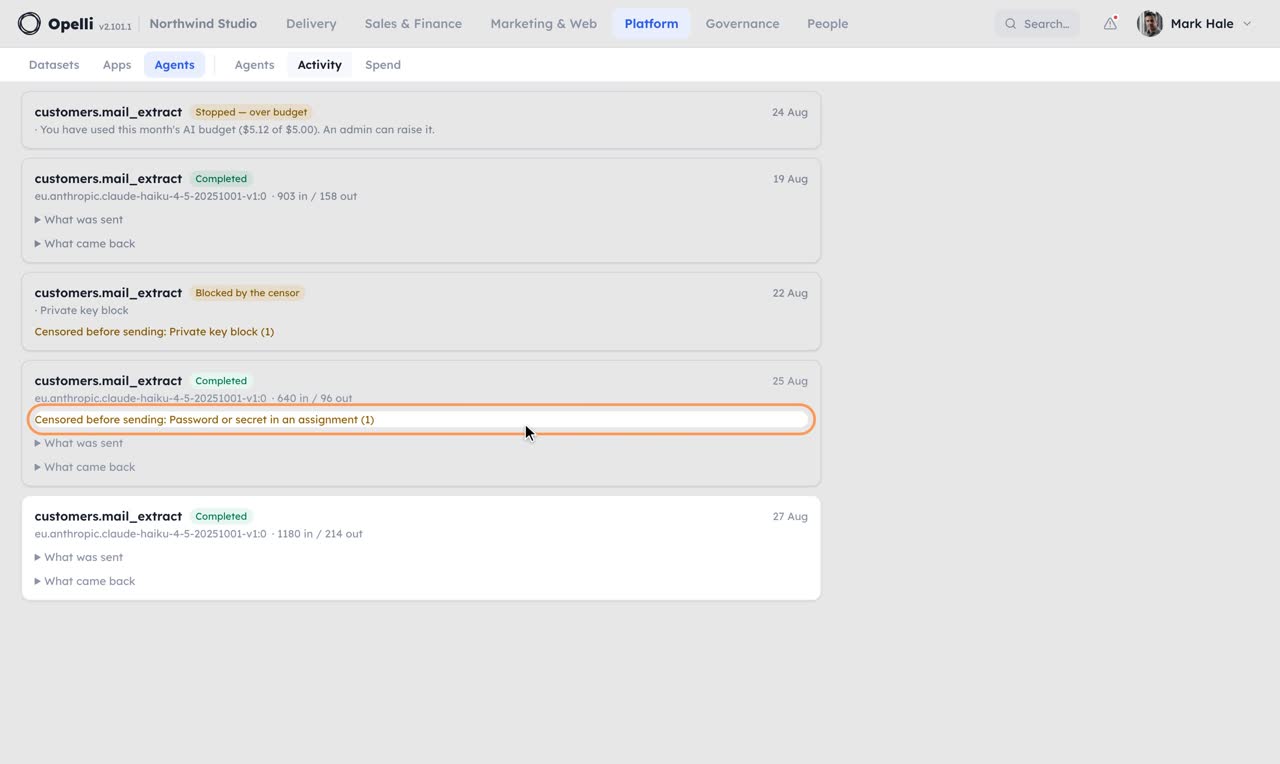
1:37AgentsWhat can run, what did run, and what it cost, with nothing leaving before the censor has seen it.
Every walkthrough is recorded against the same demo organisation the screenshots come from, so what you see in a video is what you see on the pages. Nothing plays until you press play.
See it on your own operations.
A short call on your projects and your month, with the assistant you already use connected to a copy of your company.
Thanks — we'll be in touch to find a time.