
Connect · Any MCP client
One config file, your key, your scope.
Any client that takes an MCP config connects with the file Opelli prints for you: your organisation's address, a personal key as the bearer token, and the modules you chose when you made the key.
The file
Paste, save, restart the client.
The dialog prints this with your address and a fresh key filled in. The key lives in an environment variable rather than in the arguments, and the whole thing runs on your own computer, so it reaches a private or local Opelli as well.
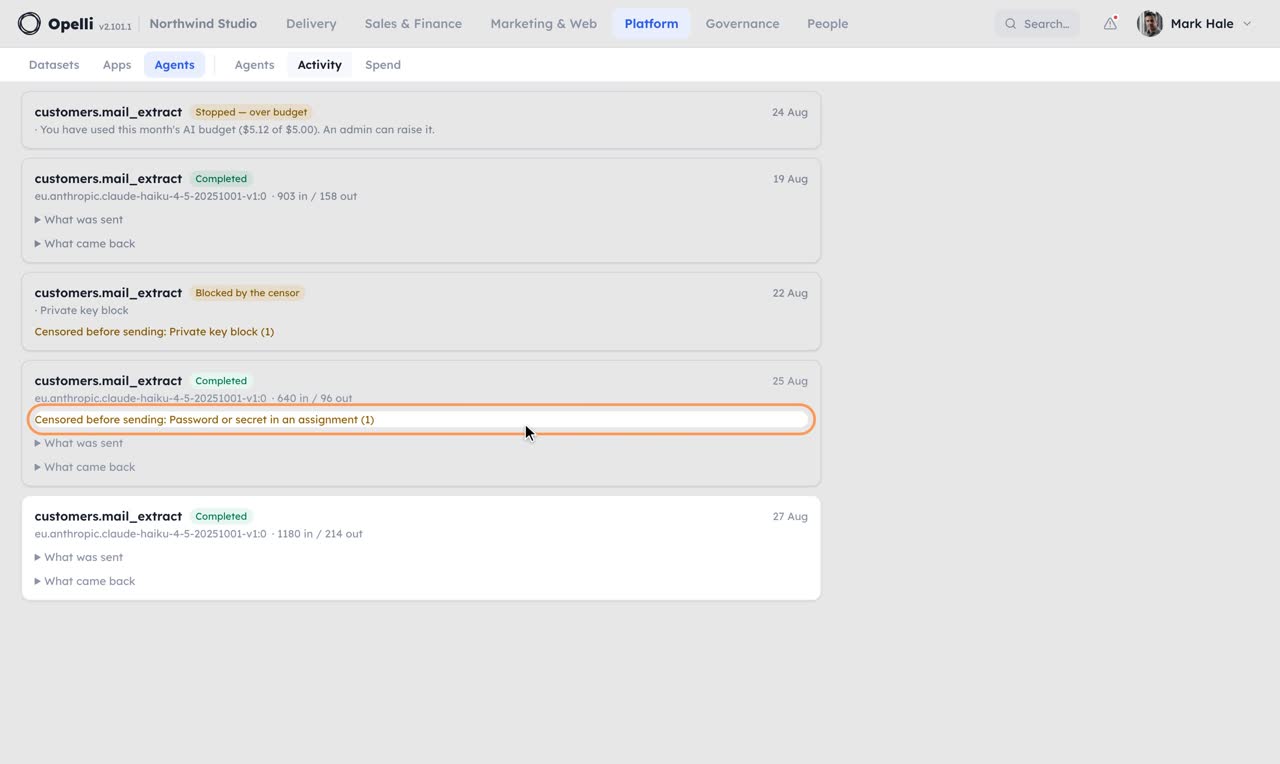
- Scoped to modulesA key carries the modules you picked when you made it. A route outside them is refused by name; a new module never widens an old key.
- Shown once, rotated in one clickOnly a digest is stored. Rotate keeps the scope and stops the old key at once.
- Fewer tools, smaller promptsThe client only carries the tool descriptions its key can use, so a narrow key is also a lighter conversation.
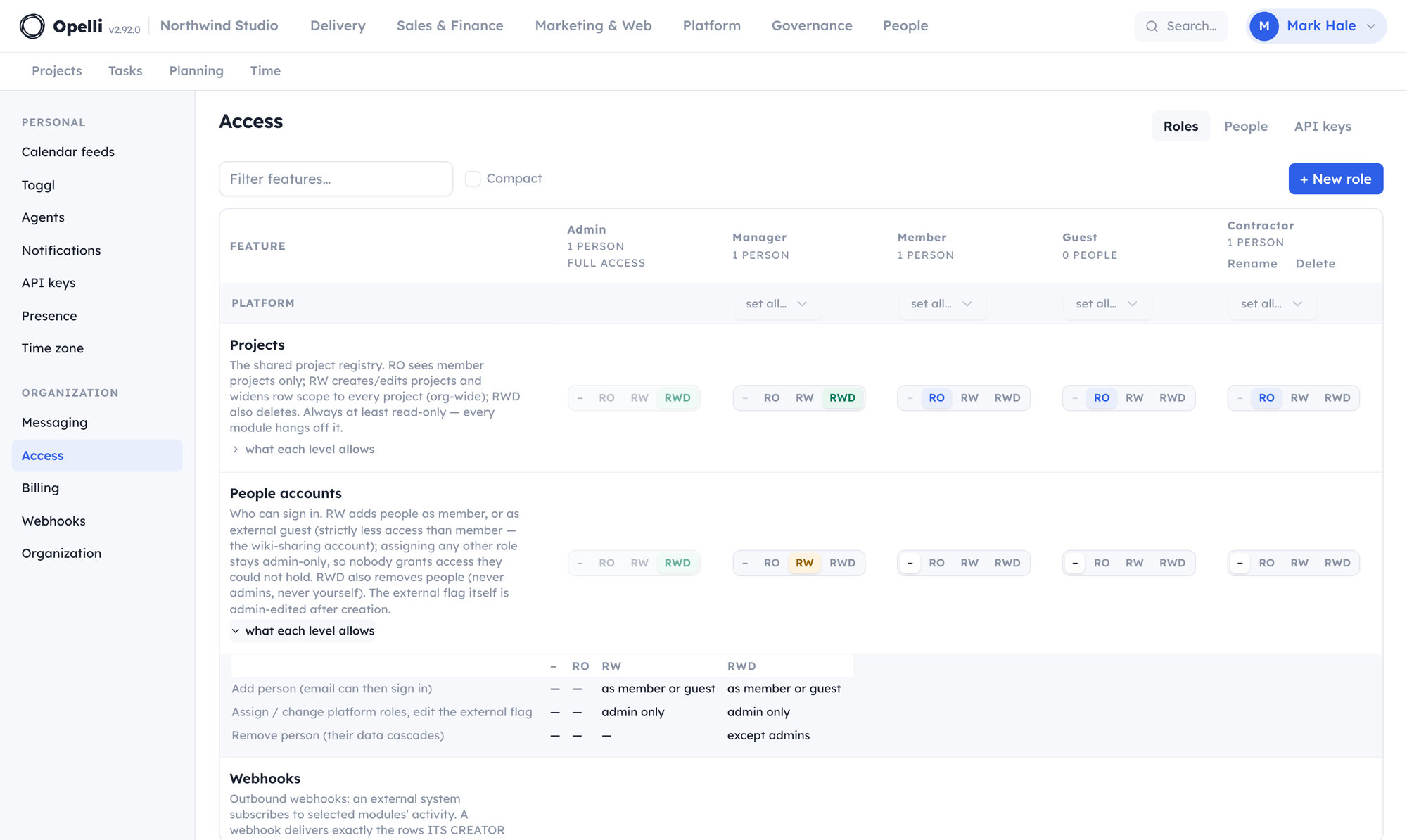
- Guests cannot mint keysAn external guest account has no keys page; what a guest cannot see in the app, no client can read for them.
{
  "mcpServers": {
    "opelli": {
      "command": "npx",
      "args": ["-y", "mcp-remote", "https://your-company.opelli.dev/mcp",
               "--header", "Authorization: Bearer ${OPELLI_KEY}"],
      "env": { "OPELLI_KEY": "…shown once, in the dialog…" }
    }
  }
}
The exact file for your organisation is on the "Scripts & config files" tab of Settings → API keys → Connect an AI app. The address is yours; the key is minted there and shown once.
What every client gets
The same 200+ tools, the same walls.
whoamiUsed list_endpointsNorthwind Studio, as Mark Hale. This key reaches tasks and the wiki, nothing else; the route list is the real one, filtered to the key.
search_tasks · assignee=me · status=openUsed create_wiki_page · TodaySeven open. "Today" now holds STORE-133, STORE-118 and OPS-41 as a checklist, linked to the tasks.
update_deal · outside api key scopeRefused: customers is outside this key. Make a key with Customers on it if that is intended.
See it on your own operations.
A short call on your projects and your month, with the assistant you already use connected to a copy of your company.
Thanks — we'll be in touch to find a time.